




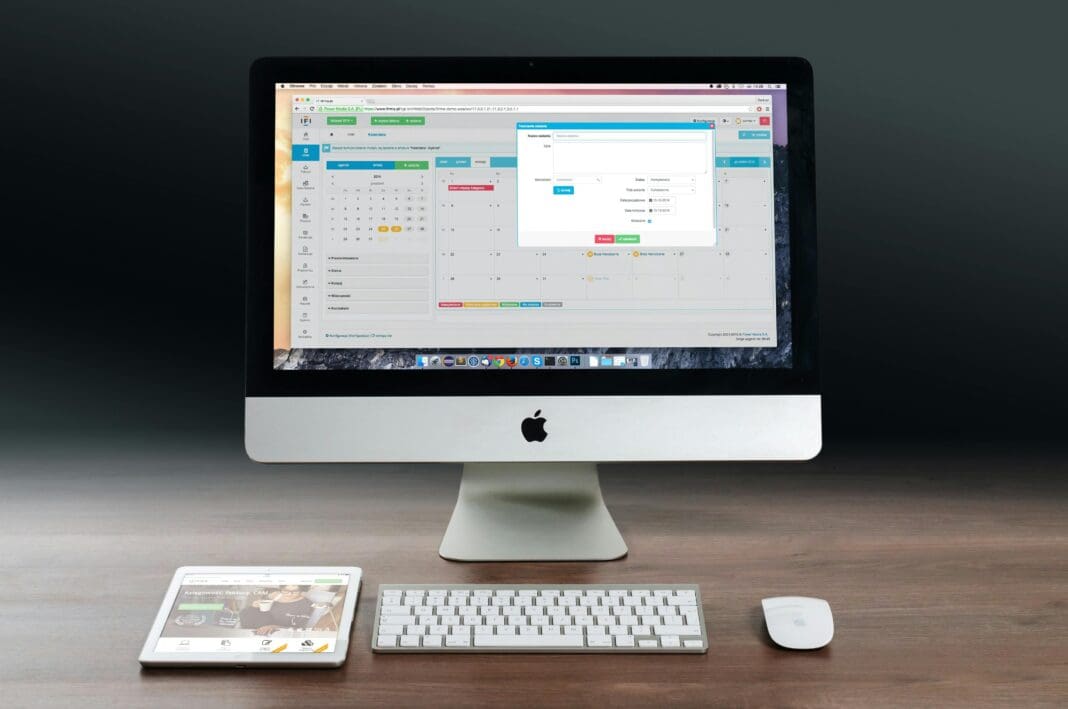

Setting up a small office with Mac computers offers a blend of style, functionality, and security, making it an excellent choice for businesses aiming to combine performance with aesthetics. Here’s how you can establish a fully functional Mac-based office that caters to the diverse needs of your team and enhances productivity.
Selecting the Ideal Macs for Your Team
Varied Needs, Specific Solutions
- MacBook Air: Ideal for team members who are often on the move, this laptop offers reliability for everyday tasks without the bulk.
- MacBook Pro: Best suited for those involved in creative professions or developers who require robust processing power for demanding applications.
- iMac: With its large, captivating display, the iMac serves as an excellent workstation for designers or anyone who benefits from a larger visual workspace.
- Mac Mini: This compact yet powerful desktop is cost-effective and versatile—simply connect it to your preferred display and peripherals.
Establishing a Robust Network Infrastructure
Solid Foundations for Connectivity
- High-Quality Hardware: Invest in a dependable router and modem from reputable manufacturers to ensure a stable and fast internet connection.
- Secure Wi-Fi: Implement WPA3 encryption to secure your wireless network, and consider a separate network for guests to enhance security.
- Wired Connections: Connect stationary devices directly via Ethernet for reliability and speed, essential for handling large file transfers and maintaining productivity.
Software Setup for Optimal Performance
Tailored Software Choices
- Operating System: Regular updates to the latest macOS version can help secure and optimize your office’s Macs.
- Productivity Suites: Equip your team with essential office tools like Microsoft Office 365 or Apple’s iWork depending on your team’s familiarity and needs.
- Communication Tools: Utilize collaboration apps such as Slack or Zoom to maintain effective communication among team members.
- Security Measures: Activate macOS’s built-in firewall and consider additional antivirus software to protect against potential threats.
Enhancing Team Collaboration and File Sharing
Streamlined Collaboration Tools
- Cloud Storage Solutions: Use iCloud for seamless file access across all Apple devices or opt for a NAS system for extensive storage needs.
- Collaborative Platforms: Tools like Google Workspace or Microsoft 365 can facilitate efficient teamwork and document management.
Expanding Functionality with Add-Ons
Boosting Productivity with Smart Accessories
- Printing Solutions: Choose AirPrint-compatible printers for easy wireless printing directly from Mac devices.
- Monitor Extensions: Expand your workspace with external monitors, particularly for Mac Minis or MacBooks, to enhance multitasking capabilities.
- Ergonomic Accessories: While Apple’s own Magic Keyboard and Mouse are top choices, alternatives from brands like Logitech can also provide comfort and functionality.
Data Security and User Management
Protecting Your Office’s Digital Environment
- Data Backup: Utilize Time Machine for regular backups to an external drive or network storage, and consider cloud backup services for an added layer of data protection.
- Secure User Access: Manage administrative and user access carefully, employing tools like FileVault for encrypting sensitive information.
Training and Technical Support
Empowering Your Team
- Comprehensive Training: Organize training sessions to help your team make the most out of their Mac tools.
- Support Plans: Establish a support framework, whether through in-house IT staff or external service providers, to address technical issues promptly.
Incorporating Refurbished MacBooks for Cost Efficiency
For small offices looking to maximize their budget without compromising on quality, incorporating refurbished MacBooks can be a savvy option. Refurbished MacBooks, often restored to like-new condition by certified professionals, offer the same high-performance capabilities and reliability as new units but at a significantly lower cost. When purchasing refurbished models, it’s crucial to buy from reputable sources that provide a warranty—this ensures you are getting a device that meets stringent quality standards and supports the demanding needs of your business environment. Choosing a refurbished MacBook not only reduces initial expenditures but also demonstrates a commitment to sustainability, making it an environmentally friendly choice for your office. By integrating these cost-effective solutions, your office can enjoy the benefits of advanced Apple technology while maintaining fiscal responsibility.
By carefully selecting your equipment, securing your network, and ensuring your team has the tools and training they need, setting up a Mac-based office can be a straightforward and rewarding process. This approach not only fosters a productive work environment but also leverages the powerful and user-friendly nature of Mac systems to the benefit of your entire team.